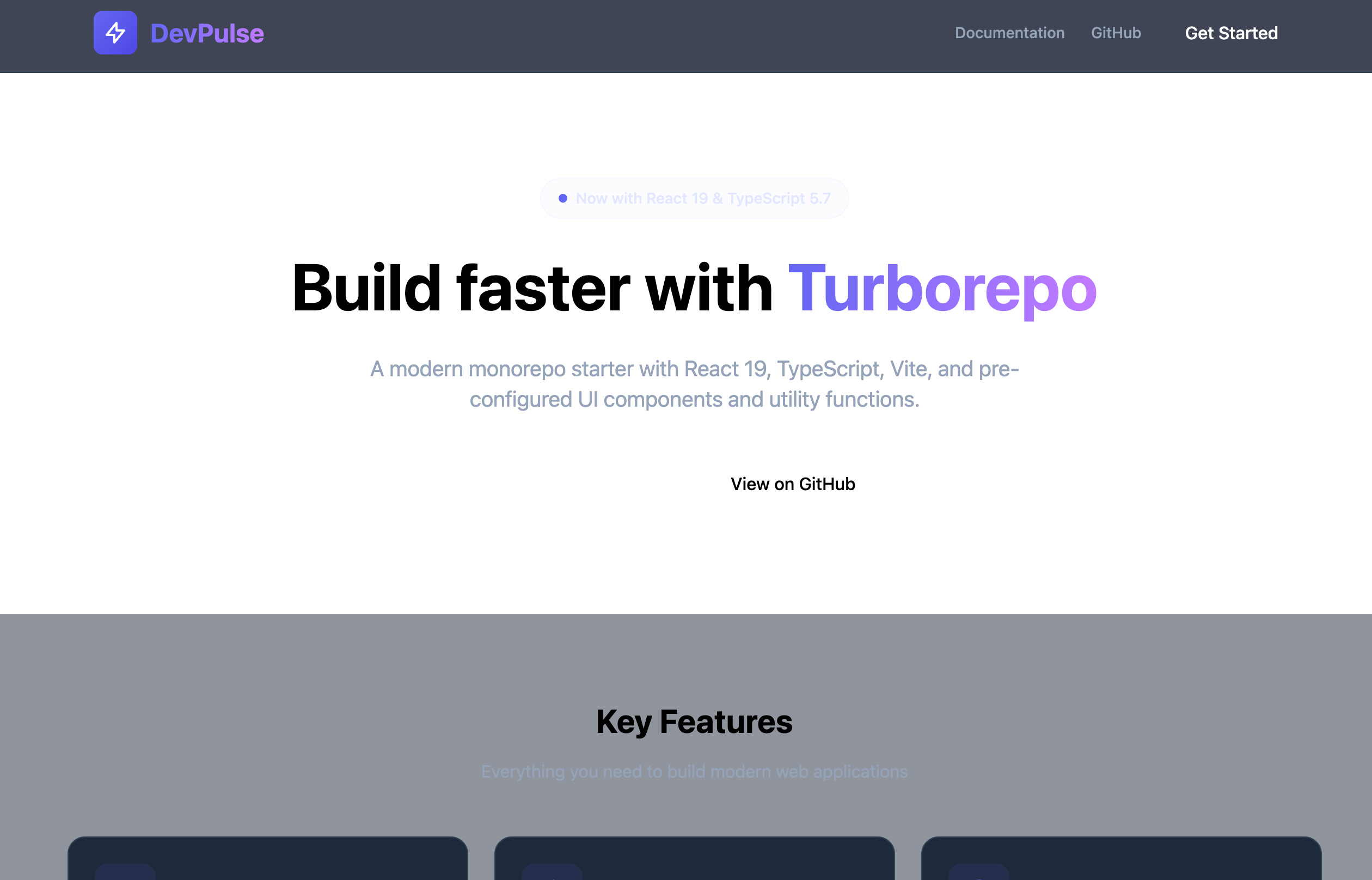
DevPulse
基于 Turborepo、React 19 和 Vite 构建的现代化 Monorepo 项目,包含共享 UI 组件、工具函数和配置包。
Turborepo React 19 Vite TypeScript pnpm workspace ESLint Prettier
特性
- Monorepo 架构 - 使用 Turborepo 管理,提高开发效率
- React 19 - 最新的 React 特性和性能优化
- Vite - 极速的构建工具和开发服务器
- TypeScript - 项目全类型安全
- 共享包 - 可复用的 UI 组件、工具函数和配置
- ESLint - 代码质量和一致性检查
项目结构
DevPulse/
├── apps/
│   └── web/                 # Vite + React 19 Web 应用
│       ├── src/
│       │   ├── App.tsx
│       │   ├── main.tsx
│       │   └── index.css
│       ├── package.json
│       ├── tsconfig.json
│       ├── tsconfig.node.json
│       ├── vite.config.ts
│       └── index.html
├── packages/
│   ├── ui/                  # 共享 UI 组件
│   │   └── src/
│   │       ├── Button.tsx   # 主要/次要按钮组件
│   │       └── index.ts
│   ├── utils/               # 工具函数
│   │   └── src/
│   │       ├── format.ts    # formatDate, formatBytes
│   │       ├── validate.ts  # isEmail, isUrl, isNotEmpty
│   │       └── index.ts
│   └── config/              # 共享配置
│       └── src/
│           ├── site.ts      # 站点配置
│           ├── api.ts       # API 配置
│           └── index.ts
├── docs/                    # 文档
├── package.json             # 根 package.json (含 workspaces)
├── turbo.json               # Turborepo 配置
├── .prettierrc              # Prettier 配置
└── .gitignore
快速开始
环境要求
- Node.js >= 18.0.0
- npm >= 10.9.2
安装
- 克隆仓库:
git clone <repository-url>
cd DevPulse- 安装依赖:
npm install开发
启动所有应用的开发模式:
npm run dev仅启动 Web 应用:
cd apps/web
npm run dev
Web 应用将在 http://localhost:5173/ 访问
构建
构建所有包:
npm run build仅构建 Web 应用:
cd apps/web
npm run build
可用命令
| 命令 | 说明 |
|---|---|
npm install | 安装所有依赖 |
npm run dev | 启动开发服务器 |
npm run build | 构建所有包 |
npm run lint | 运行 ESLint |
npm run test | 运行测试 |
npm run clean | 清理构建产物 |
npm run format | 使用 Prettier 格式化代码 |
共享包
@devpulse/ui
可复用的 React 组件。
import { Button } from 'ui'

function App() {
  return (
    <Button variant="primary">点击我</Button>
  )
}
可用组件:
Button- 主要和次要样式变体
@devpulse/utils
常用工具函数。
import { formatDate, formatBytes, isEmail, isUrl, isNotEmpty } from 'utils'

formatDate(new Date())              // '2026年1月1日'
formatBytes(1024 * 1024)            // '1 MB'
isEmail('test@example.com')        // true
isUrl('https://example.com')        // true
isNotEmpty('value')                 // true
可用函数:
formatDate(date)- 格式化日期为可读字符串formatBytes(bytes)- 转换字节为人类可读格式isEmail(email)- 验证邮箱格式isUrl(url)- 验证 URL 格式isNotEmpty(value)- 检查值是否非空
@devpulse/config
共享配置对象。
import { siteConfig, apiConfig } from 'config'

siteConfig.name        // 'DevPulse'
apiConfig.baseUrl      // 'https://api.devpulse.example.com'
开发指南
添加新的 UI 组件
- 在
packages/ui/src/创建组件 - 在
packages/ui/src/index.ts导出 - 在应用中使用
import { Component } from 'ui'
添加新的工具函数
- 在
packages/utils/src/创建函数 - 在
packages/utils/src/index.ts导出 - 在应用中使用
import { functionName } from 'utils'
更新配置
- 编辑
packages/config/src/site.ts或packages/config/src/api.ts - 所有应用可通过
import { siteConfig } from 'config'访问
配置文件
vite.config.ts- Vite 构建配置,包含 Monorepo 包的路径别名turbo.json- Turborepo 任务配置tsconfig.json- 源代码的 TypeScript 配置tsconfig.node.json- 构建脚本的 TypeScript 配置
许可证
MIT